Home | Server List | How-To List | Website Info List
This is a long but easy to follow how-to on installing the CurseForge App.
Sorry if the screenshots are kinda big, you can use CTRL- to zoom out, and CTRL+ or CTRL= to zoom in.
First go to the curseforge website and download and run the installer. Either with overwolf or without is fine.
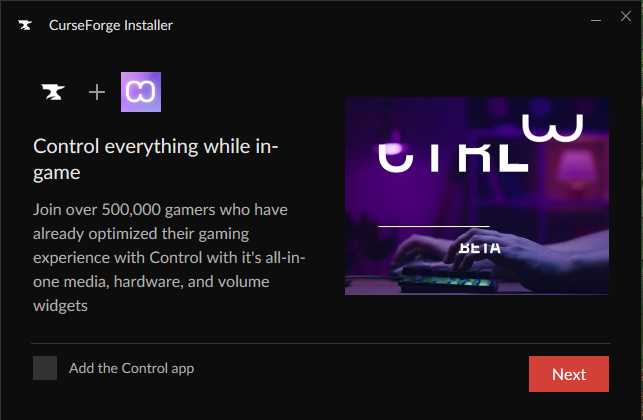
If the CurseForge installer asks to add an app, I would just decline.
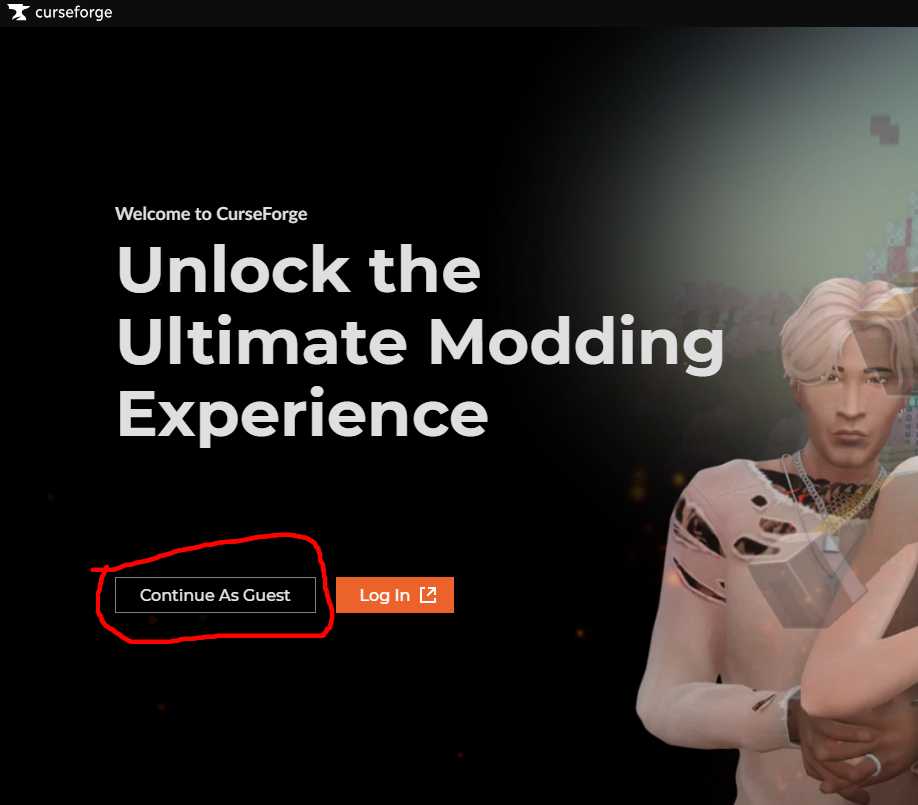
You do not need to make an account. You can continue as guest.
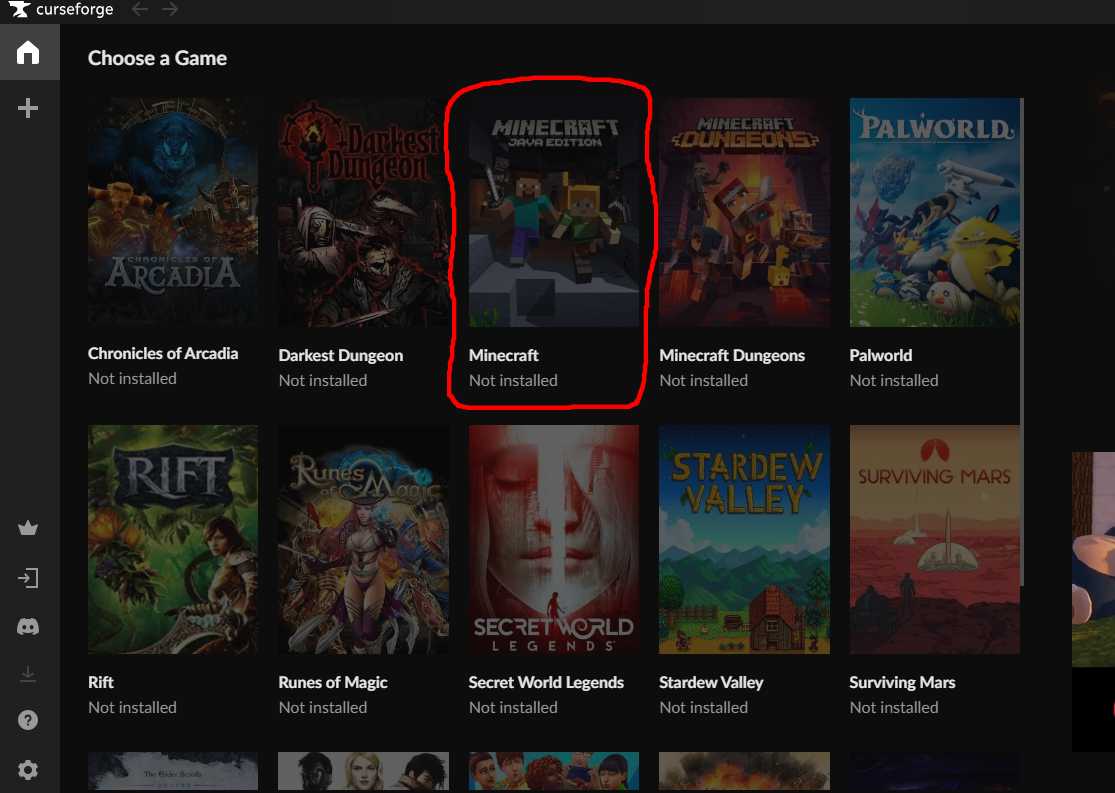
After curseforge is done installing, find Minecraft in the the list of games.
Click it, and let it install. It will need to get java and some other stuff.
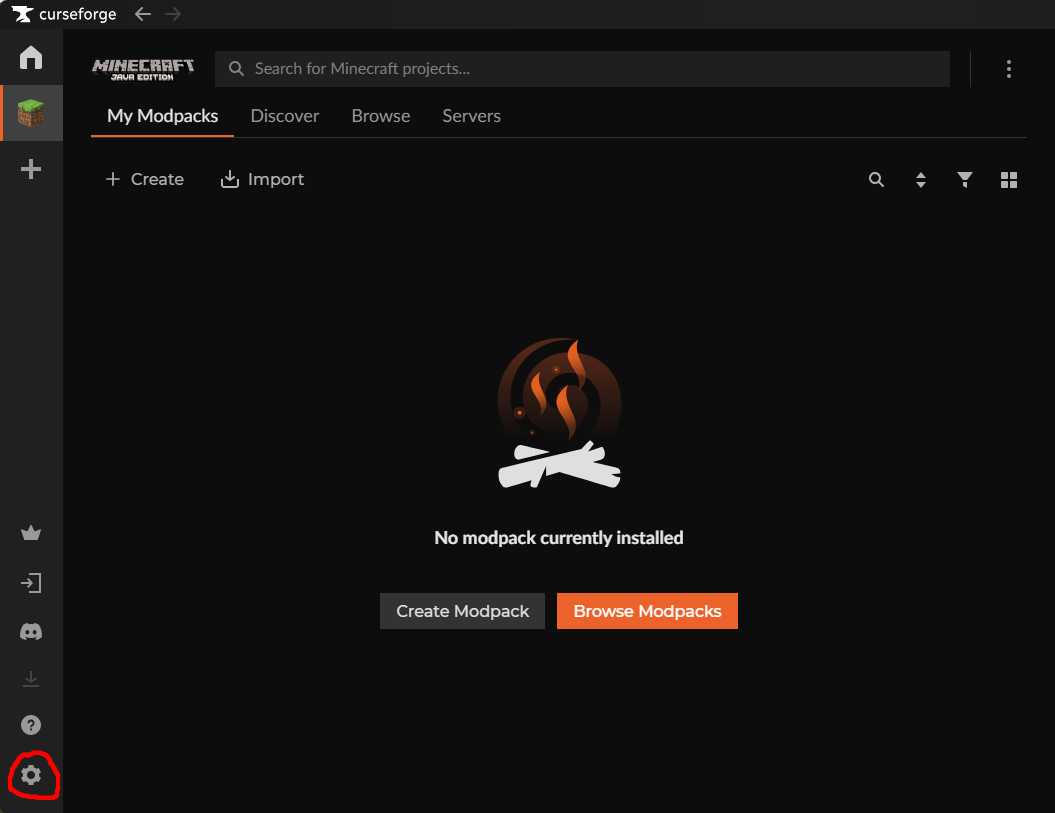
After Minecraft is done installing, click on the settings gear on the far lower left.
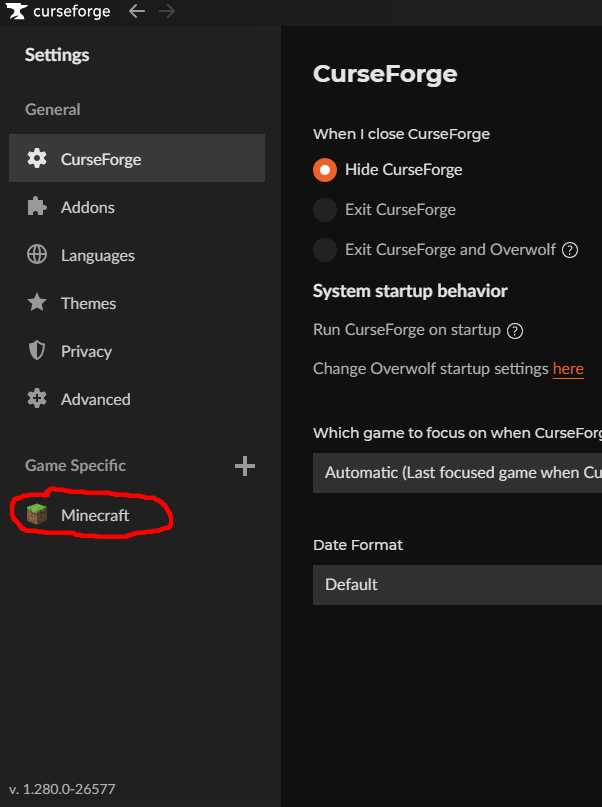
Click on Minecraft under Game Specific.
Slide the "Allocated Memory" slider to 12288 (12GB).
NOTE: If 12288 is all the way to the right, then you MUST move it to the left back to 8192!
If 8192 is all the way to the right, then your computer doesn't have enough RAM to run this modpack! Sorry!
You might be able to ask Jo to help you upgrade the RAM if it's a PC. Newer Macs are generally not upgradable. Sorry.
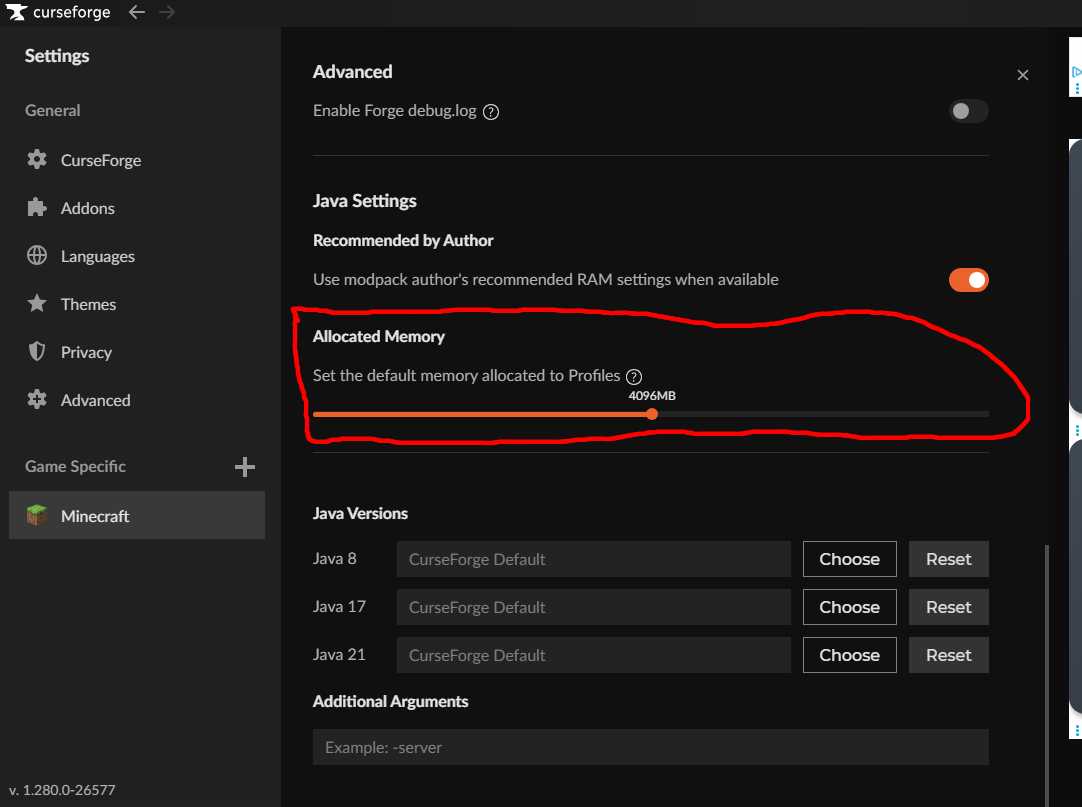
You can now click the x button in the upper right of the above picture.
You are now ready to install the New Game 2 Modpack.